

HubSpot CMS vs WordPress (And Why We Often Build Neither)
The page builder is the least interesting part of this decision. What matters is whether your content layer and your front end have to be the same thing.

Almost nobody asks us this question any more: which page builder should we use. What they ask instead is whether the site has to be built on the same platform that stores the content, and the honest answer for a lot of Australian businesses in 2026 is no.
So before the comparison, the option missing from every HubSpot versus WordPress article: keep one of them as the content layer, and build the front end separately. That is a headless build, it is what we are doing to our own site, and it is now the shape of most website projects that come through our door.
Here is that decision first, then the platform comparison you came for.
What headless actually means, without the jargon
A traditional content management system does two jobs. It stores your content, and it renders the pages a visitor sees. Headless splits those two jobs apart. HubSpot or WordPress keeps storing the content, and a separately built front end reads that content over an API and renders the pages itself.
What you gain is control. The markup, the page weight, the animation, the layout are all yours, because you wrote them. What you give up is the editor. Your marketing team can no longer drag a new module onto a page at 4pm, because the page is code now.
That trade is the whole decision. If the site is a brochure that four people edit every week, headless is a bad idea and you can stop reading. If the design matters enough that someone has already told you "the theme cannot do that", keep going. There is a technical version in integrating HubSpot CMS with custom APIs, the headless approach.
We did this to our own site, and here is the part nobody sells you
nbh.co runs on HubSpot CMS today. We are replacing the front end with static HTML that we build and deploy ourselves, with HubSpot staying underneath for the CRM, the forms and the contact records behind them.
The good part matched the brochure. We control every line of markup, the pages are lighter, and no design decision gets vetoed by a theme any more.
Then we hit the thing that is not in any headless pitch deck. Our static assets were being served with a seven day cache and no revalidation. A CSS change would deploy correctly, look right on the server, look right in the repository, and still show the old behaviour on any phone that had visited before the deploy. We verified a mobile menu fix across 18 pages while the phone testing it kept opening the old menu. Nothing was broken except the copy sitting in one browser.
The fix is a script that stamps every local CSS and JavaScript reference with a hash of the file's contents, so a changed file gets a new URL and the browser has no choice but to fetch it. Cheap to build once you know. Expensive to discover on a Friday afternoon.
The lesson worth passing on: when you take the front end into your own hands, you also take on caching, deploys, redirects and asset versioning. All of those were somebody else's problem while you were on a hosted CMS. Budget for them, or the headless build costs more than the quote said.
Where to put it: ap-southeast-2
If your visitors are Australian, the front end belongs in AWS's Sydney region, ap-southeast-2. Otherwise every uncached request makes a round trip across the Pacific before the first byte comes back, and Australian visitors feel that on mobile. Sydney also answers the procurement question about where the data physically sits, which comes up with government and health customers in particular.
The platform comparison, condensed
If you have ruled out headless, the choice between the two is real and worth making carefully. Both do the job. They put the effort in different places.
WordPress started life as a blogging tool before becoming an open source CMS, and it is still the most used CMS on the web by a long way. No Australian source tracks CMS market share, so the number everyone quotes is a global one from W3Techs. Read their live figure rather than trusting any article, including this one: the share moves every month, and the 30 per cent this piece used to quote had been wrong for years.
Not sure which CMS your team would keep up with?
The build takes weeks. Living with it takes years.
HubSpot Content Hub, which used to be called CMS Hub, does less as a page builder and more as a system. It ships with the CRM attached, so a form fill becomes a contact record with no integration in between, and the same tool that publishes the page also sends the email and runs the workflow.
| What you are comparing | HubSpot Content Hub | WordPress |
|---|---|---|
| Blogging | Clean editor with SEO tools, a content calendar, CTA creator, mobile optimisation and collaboration built in | The strongest part of the platform, and still the best pure writing experience |
| Building pages | Drag and drop, thousands of marketplace templates, custom modules for developers | Basic page management as standard, and a page builder plugin for anything designed |
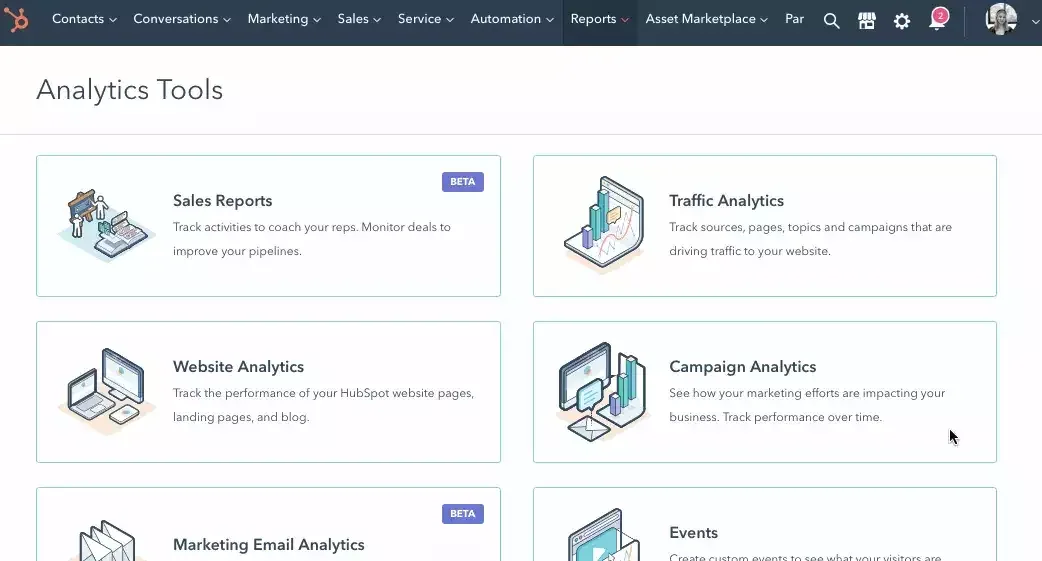
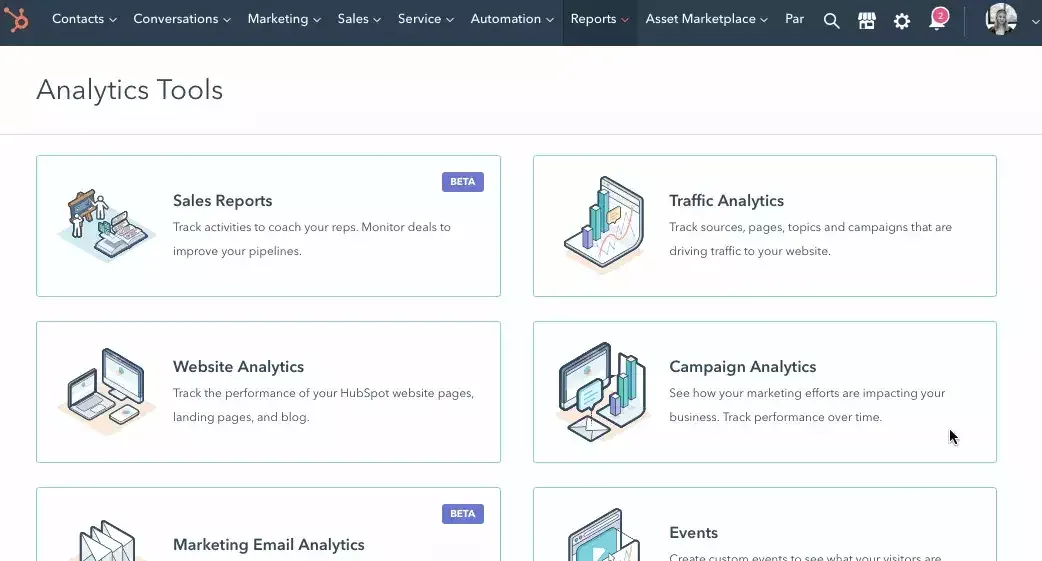
| Analytics | Traffic joined to the CRM, so you can follow a session through to a closed deal, plus search analytics and contact timelines | Base metrics only. Google Analytics arrives via a plugin, and joining it to sales data is your problem |
| SEO | Recommendations as you write, inbound link tracking, Google Search Console integration, page performance tracking | Nothing as standard. Nearly everyone installs an SEO plugin, and plenty install three |

| Social | Publishing, scheduling and performance monitoring included | Sharing buttons are easy. Monitoring needs another tool |
| Landing pages | Templates, forms, A/B testing and an optimiser, all reporting into the CRM | Themes and plugins, several of which do not get along, and most of the good ones carry their own subscription |
| Included, with personalisation, A/B testing and workflows driven off list segmentation | Not a CMS job. Usually Mailchimp or similar, connected by plugin | |
| Security and uptime | Hosted and patched by HubSpot: SSL, firewall, intrusion detection, DDoS mitigation | Core is stable. Your plugin and theme list is the risk, and keeping it updated is a standing job for somebody |

The one row that decides it for most businesses
Look again at the analytics row, because that is where the two platforms genuinely part company.
On HubSpot, the page view, the form fill, the email open and the deal all live in the same database. You can answer "which blog post produced revenue" without building anything. On WordPress you can answer it too, after you connect Google Analytics, pick a CRM, integrate the two, agree how a lead is identified across both, and maintain that connection while three vendors ship updates.
That work is doable. We have done it plenty of times. It is a project with a cost and an owner, and pretending otherwise is how a cheap website turns into an expensive one.
When WordPress is the right answer
When publishing is the point of the site and you have a developer who already knows it. When the budget cannot carry a Content Hub subscription and the CRM is going to be free HubSpot or nothing. When you need a specific plugin that does something niche and does it well, which is a genuine strength of an open source project with that much history behind it.
WordPress gets unfairly kicked in articles like this one, usually by people selling HubSpot. The software is fine. The problem is that the version of it most businesses end up with is nine plugins deep, maintained by nobody, and one abandoned dependency away from a bad week.
When HubSpot Content Hub is the right answer
When your marketing team publishes weekly and needs to move without a developer. When the CRM is already HubSpot, or about to be, and you would rather not own the integration between your website and your sales data. When nobody in the business wants to be responsible for patching a server.
The cost is the subscription and a lower ceiling on design, which is exactly the wall that sends people looking at headless in the first place. If you are weighing the whole stack instead of only the pages, we compared HubSpot Content Hub against a standalone CMS and tool stack separately.
How we would decide, in three questions
- Who edits the site, and how often? Weekly edits by people who do not write code rule out headless, whatever the design team wants.
- Does the website need to know who the visitor is? If personalisation, forms and sales follow-up matter, the content layer should be the one your CRM lives in, and for most of our clients that is HubSpot.
- Has a theme already told you no? If the design you approved cannot be built in the page builder, you are choosing between a worse site and a headless front end. Price both properly before you decide.
Two of those three questions are about people and process, which is usually where the platform argument was really happening. To work through them in order, start with how to actually decide which CMS you need, and there is a longer read on HubSpot and WordPress for blogging if publishing is the main event. Whichever way you go, plan the SEO and AEO work before launch.
Wondering what moving your site would involve?
Most of the work sits in the templates and the forms.
Here is the question worth taking into your next website meeting. If your CMS disappeared tomorrow, how much of your marketing would stop working, and is that the number you want?
This is how NBH builds websites and operating systems, headless and otherwise.